Use the rapid charging feature to get your phone charged faster.
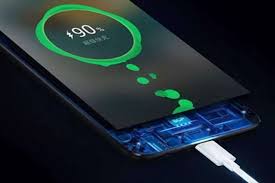
- Plug in your phone.
- Navigate your devices setting apps.
- Tap battery setting.
- Check the box next to rapid changing. Save battery for when you need it most avoid draining battery by lowering your screen brightness.
- Navigate to your devices setting app, then scroll down to device and touch display.
- To enable adaptive brightness, switch the toggle to the on position.
- To manually change your display brightness, tap brightness level and set the slider your prefered setting.
 samxyz